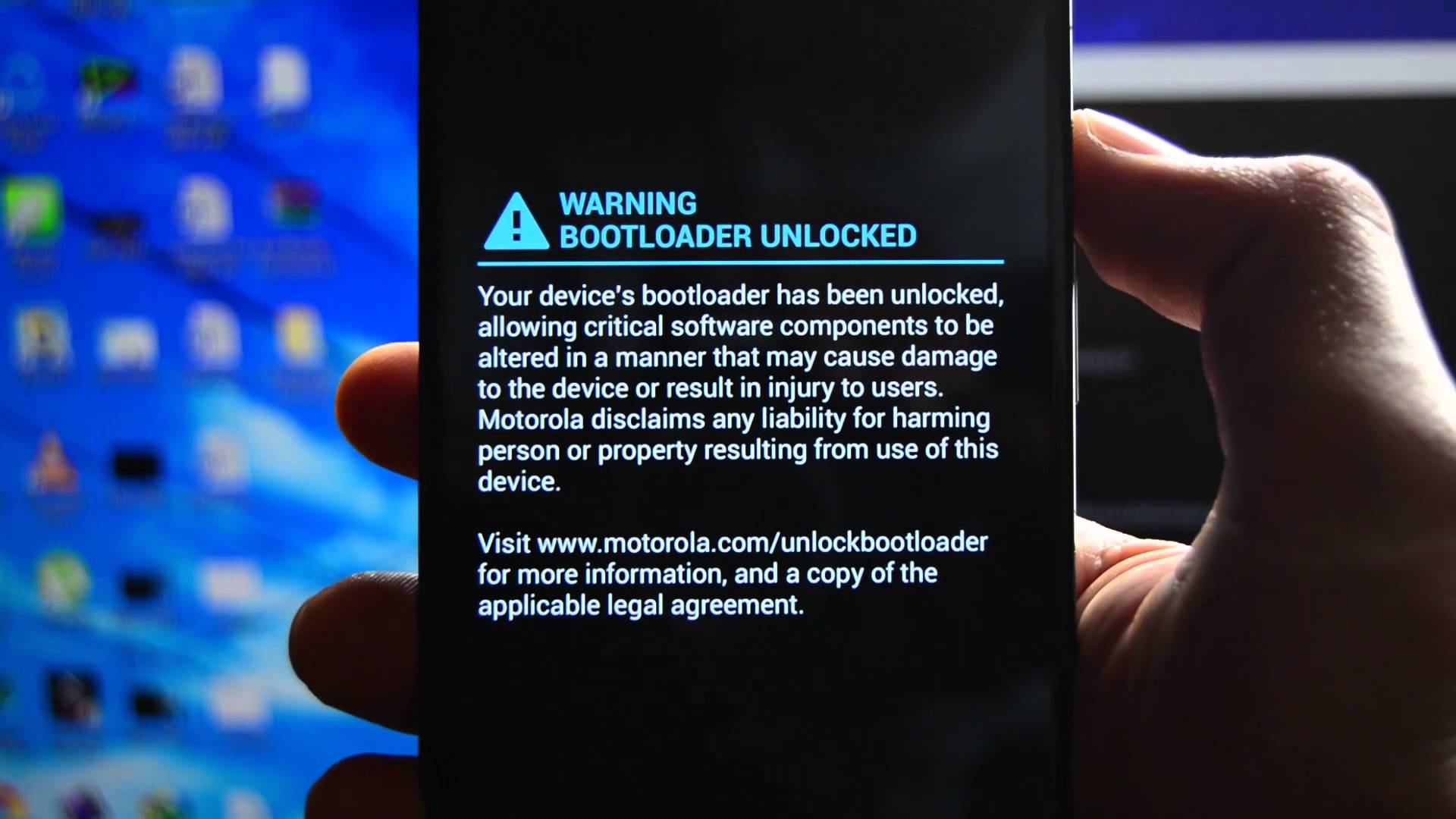
Risks:
- The first thing is that, once you unlock the bootloader, or even attempt in some cases, you’ve voided your warranty and the phone manufacturer is not liable for any damage caused after unlocking the device, the manufacturer or OEM is not responsible for your phone now
- Unlocking bootloader disables Verified boot. It is a fundamental part of the android security model. It ensures the integrity of the System and boot images. Now that the verified boot is disabled, some malicious apps can manage to tamper with your OS , which verified boot keeps in check, everytime you reboot, verified boot checks for any such things and reverts them back, thus protecting your device
- An unlocked bootloader allows unsigned system image to be flashed on the device which is a major security compromise
- In some cases the Rollback protection is also disabled which allows a person to downgrade your system and exploit the vulnerability that has already been patched in the latest update
Why you should unlock the Bootloader:
- No device recieves updates forever. With unlocked bootloader, you can update your OS by flashing updated Custom ROMs on supported devices
- You can Flash GSI builds on Treble supported devices [For more information about project treble , head on to here] If you want to check if your device supports project treble, download this app Treble Info from Playstore
- You can root your device to get deeper access to your device
- You can flash ROMs with heavy customisations if you’re bored with the looks of your phone
- You can harden privacy by flashing ROMs like Lineage OS which is supported by a vast number of devices or if you own a Pixel device, you can flash Graphene OS or Calyx OS
Measures to prevent Risks:
- Being Aware about the things you do after you unlock the bootloader
- Make sure you flash Images only from a trusted and recognised developer
- Do not give root privileges to every app that asks for it
- Do not install suspicious apps from third party sites or app stores
- Do not Plug your device into public USB ports for charging as your device may be attacked physically
Reverting Back:
- You want to go back to the previous state, re-enable verified boot, Get back the security Model, you can do that simply by Re-Locking the Bootloader
Thank you for Reading, Have a Nice day
 Liber Guides
One thought on “The Risks involved with an Unlocked Bootloader”