So you’ve made up your mind and now you’re ready to step in the flashing game.
This Phone has got Custom ROMs and Official TWRP recovery thanks to This Awesome Dev
There is also a Telegram Channel and Discussion Group linked below
We’ve also got a Custom Kernel [Kensur Kernel] developed by This dev
You can learn more about the kernel here
But before you do anything, I would recommend doing the following steps to ensure that if something goes wrong, you won’t end up with a $250 paperweight, so follow along
- Download Lenovo Motorola Smart Assistant (LMSA) from here
- This is an amazing tool provided by Motorola and Lenovo which enables you to flash Original signed Stock ROM (Very noob friendly, just some clicks)
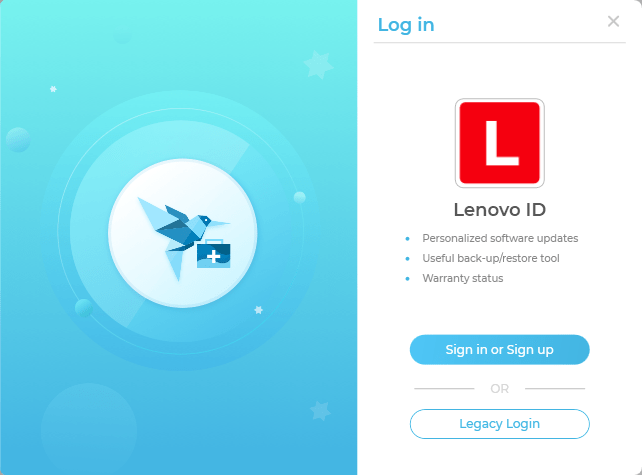
- Install this Software and Login using Lenovo ID or Google Account
- Then connect your phone in USB Debugging mode, to do that, Go to Settings>About Phone>Tap on build number 8 times>you’re now a developer>Go to System from settings> { } Developer options> USB Debugging Enabled
- A message will appear on your phone, click always allow
- Then in LMSA click on Rescue Option
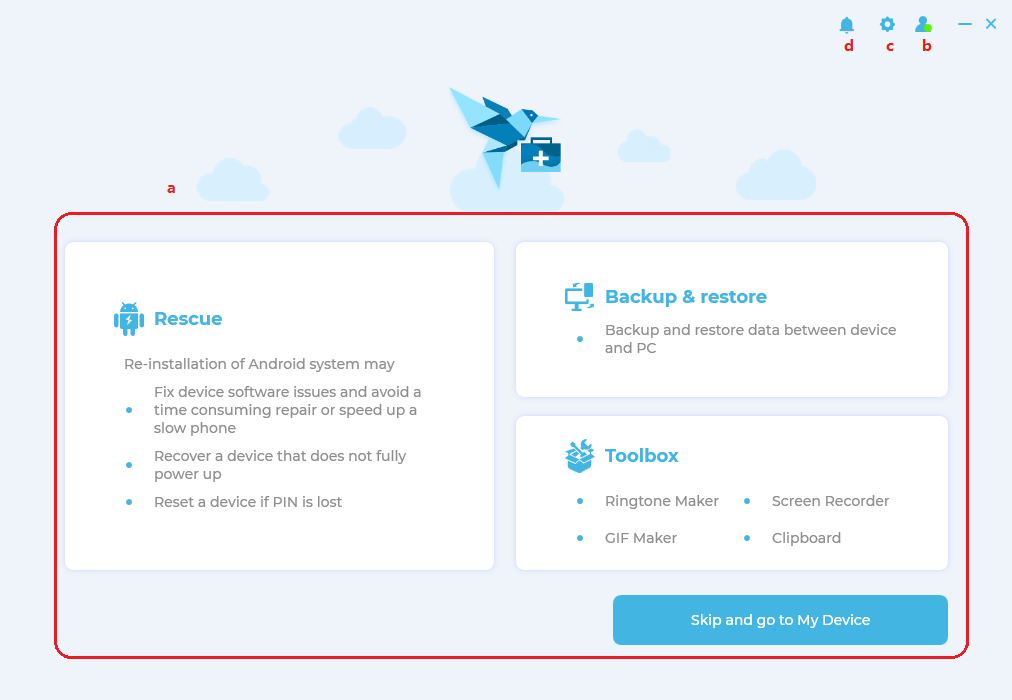
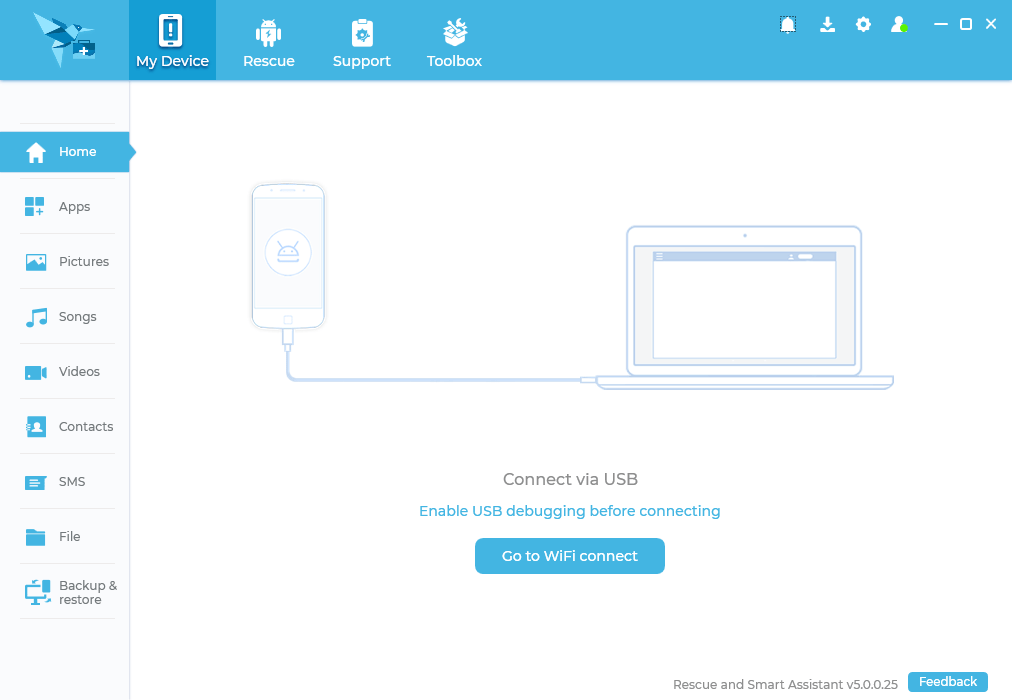
- After the device is successfully detected by the software, it will ask you to download the latest Original firmware file which you can flash if something goes wrong
- Now don’t continue further and close the software and disconnect your phone
- Go to C:/ProgramData/LMSA/download/RomFiles here you’ll find the stock ROM compatible with your device, copy it somewhere else on your pc where it is easily accessible
- Now, to flash this Stock ROM is too easy in LMSA software just by clicking Rescue and proceeding further, but that’s not the case if you’ve flashed custom ROM and want to go back to stock because the software won’t detect the phone as Moto One Fusion +
- To flash this on a device with Custom ROM or recovery, use the below linked method
- [Click Here]
NOTE : THE ABOVE STEPS AREN’T MANDATORY IF YOU ARE EXPERIENCED WITH FLASHING, BUT FOR NEWBIES, I HIGHLY RECOMMEND YOU TO DO THIS BEFORE PROCEEDING ANY FURTHER
The next step is Unlocking the Bootloader of your phone (You can’t go any further with a locked bootloader, it will be like eating food with a sealed mouth)
For Unlocking Instructions, [ Click Here ]
 Liber Guides