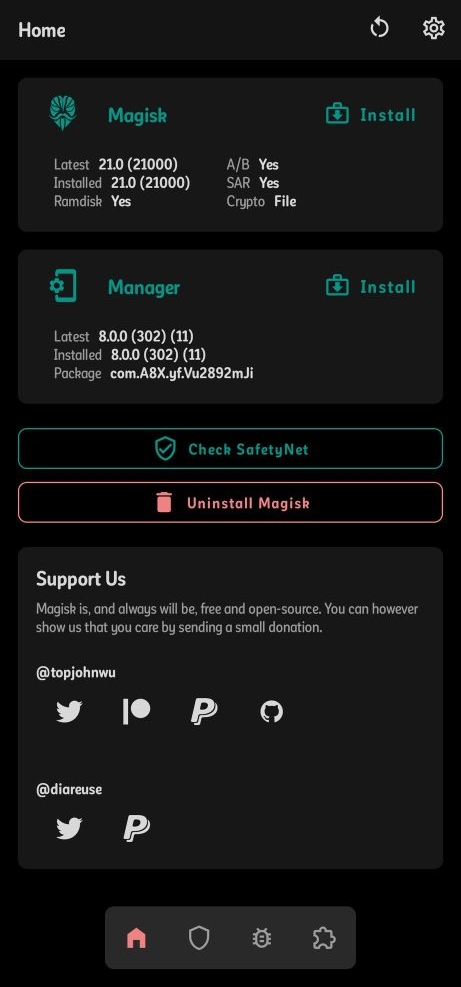
Magisk Modules can be Flashed as .zip from Recovery or directly from the Magisk app. This is a list of 15 magisk modules I recommend to everyone. Try them out!
1) App Systemizer [Terminal Emulator]
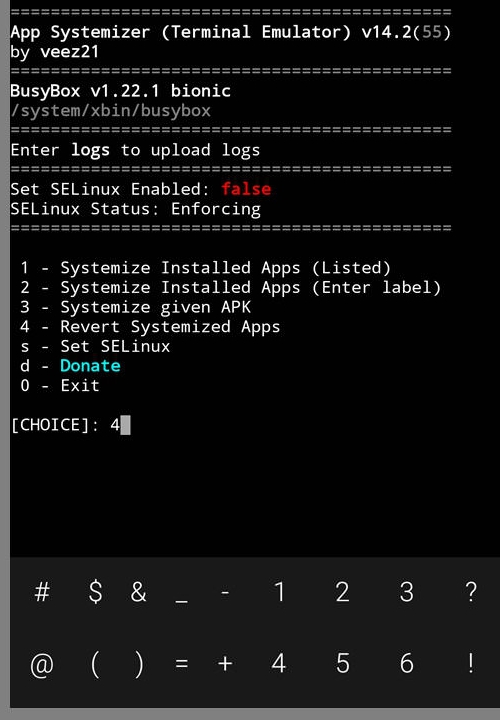
As the name suggests, this module converts a user installed app to a system app which cannot be uninstalled directly. The best use for this app is converting third party webview apps like Bromite System Webview to replace the original Android System Webview for better privacy and even replacing YouTube with YouTube Vanced.
Note: You’ll need a Terminal Emulator App to use this module, I recommend Termux
2) Busybox

This module doesn’t do much by itself but other modules like app systemizer and debloater are dependent on busybox, so to make them work, you’ll have to install this module first
3) Call Recorder
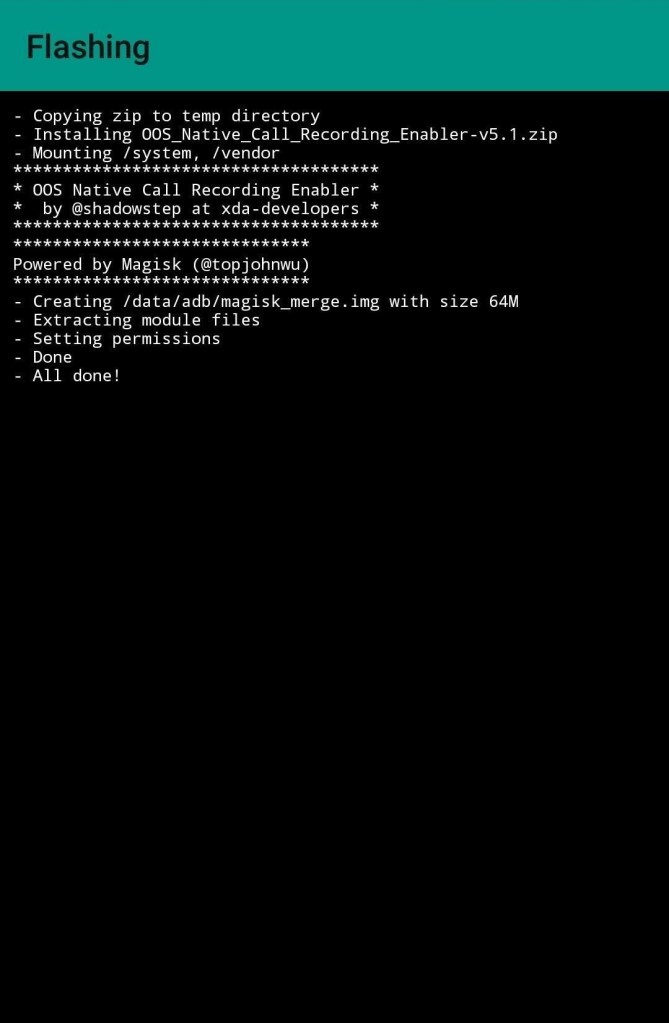
Some android smartphones come with inbuilt call recorders and some don’t. To get the call recording feature natively, use this module
4) Camera2apienabler

You must’ve heard about the Gcam Mods which greatly enhance the picture quality of your smartphone camera thus replacing your pre-installed camera app. But for the Gcam to work, the camera2api must be enabled which is by default present in many smartphones, but if you don’t have one with out of the box support, just flash this module and Gcam will work (Make sure to download the correct Gcam mod for your phone)
5) Debloater [Terminal Emulator]
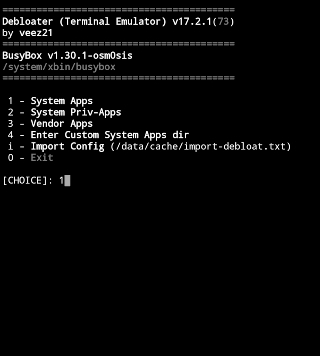
This module is just the opposite of app systemizer, this module enables you to uninstall system apps which you don’t need, like the pre-installed bloatware on Chinese phones, Google Apps like Play music and movies, etc. This replaces the app with a blank file in the root folder, this doesn’t completely remove the app so it can be installed later again, but its much better than just disabling the app from settings
Note: You’ll need a Terminal Emulator App to use this module, I recommend Termux
6) EDXposed

The original Xposed module has been discontinued, this is a fork and supports latest Android version
Xposed is a framework for modules that can change the behavior of the system and apps without touching any APKs. That’s great because it means that modules can work for different versions and even ROMs without any changes (as long as the original code was not changed too much). It’s also easy to undo. As all changes are done in the memory, you just need to deactivate the module and reboot to get your original system back. There are many other advantages, but here is just one more: Multiple modules can do changes to the same part of the system or app. With modified APKs, you to decide for one. No way to combine them, unless the author builds multiple APKs with different combinations. Source: Github
Install EDXposed manager from Here
And RiruV3 from Here
7) Energized Protection

This is a very useful module which blocks all sorts of ads, malicious websites, has a family filter, etc. For more information about this module and installation, go to This GitHub Page
8) Greenify4magisk

A very simple module just to make Greenify work as a rom-integrated (privileged) app systemlessly (also known as Boost Mode), so you’ll achieve the best hibernating performance it could give, and faster than using the root option only. It’ll simply inject a folder with the apk into the path: /system/priv-app. If it shows Privileged at the app settings, then you’re good
Download the apk from Here
9) Magisk Hide and Systemless host
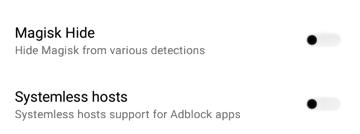
You don’t need to install any modules for this, just enable it from the settings, Magisk Hide will hide magisk from detection so you can pass safetynet
10) Magisk Manager for Recovery
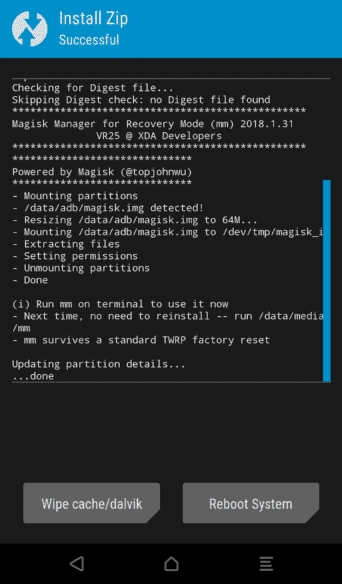
Download and install this zip via a Custom recovery. Incase you flashed a wrong module, or a corrupted module and your phone is soft-bricked, install this module from recovery and use it via Terminal from the recovery itself and uninstall the module, or uninstall magisk completely
11) Pix3lify

As the name suggests, it pixelifies your device, enabling Pixel-only feature, there’s a similar module Oxi-fy which adds Oxygen OS features for OnePlus devices
Features:
- Pixel Blue theme accent
- Adds Daydream VR support
- Adds Digital Wellbeing in Settings app
- Adds Gestures in Settings app (device dependent)
- Adds Pixel alarms/media/ringtones/UI sounds
- Adds Pixel Stand app (wireless charging stand)
- Adds Pixel Sounds app (mileage may vary)
- Adds Google Markup app (Android 5+)
- Adds Pixel exclusive wallpapers
- Enables Nexus, Pixel, and Android One app support
- Enables Google Dialer install via Playstore
- Enables Google Dialer’s Call Screening (mileage may vary)
- Enables Camera2 API support
- Enables EIS support (device dependent
- Enables Google Assistant
- Enables Night Light (device dependent)
- Uses system-wide or header Product Sans
- Uses emoji from Android Q
12) Quickswitch (previously Quickstep)

It’s a magisk module which enables the use of gesture navigation (Recents) with a custom launcher on devices with Android Pie+ (eg: you can use gesture navigation with Lawnchair Custom launcher
13) Viper4android FX
It is one of the best Audio Mods for android. You can change the audio effects from the app, it has the best sound drivers, enables Dolby Atmos and improves the overall Audio Experience for the Music Lovers and audioholics
14) Volume Steps Increase
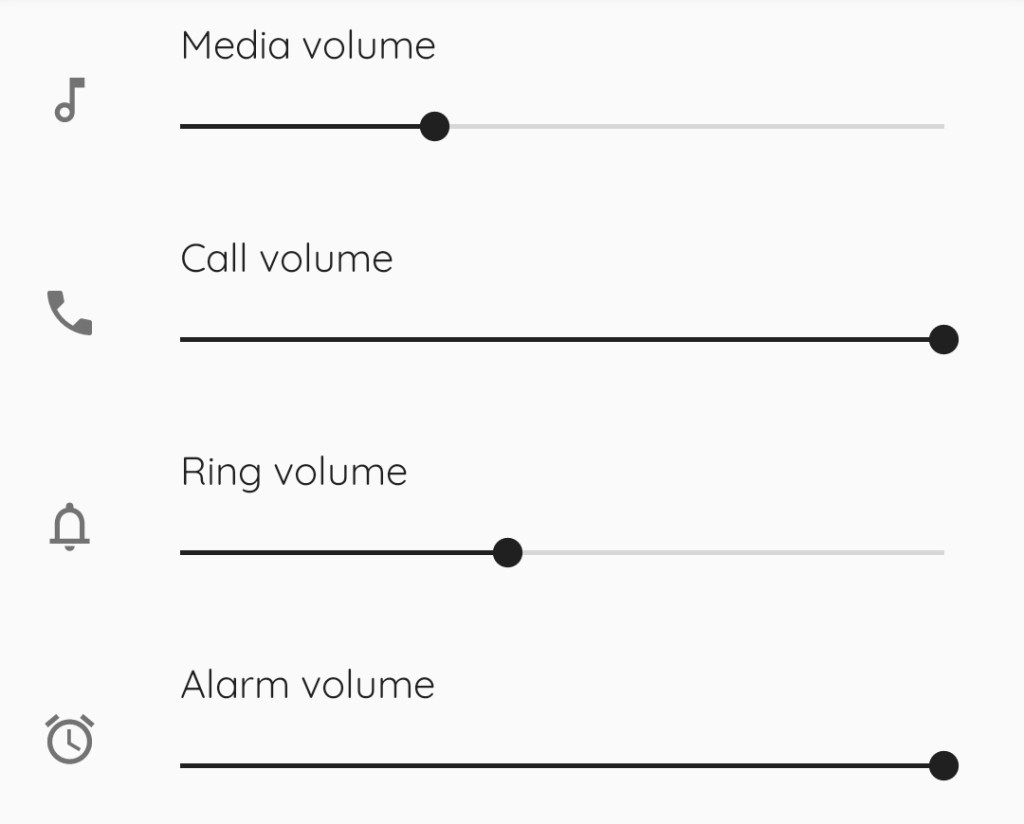
This module gives you a better control over your volume settings by increasing the default steps/levels of audio adjustments (eg: If you can change your volume over 10 different levels, you can increase it to 15 or 20 for more control)
15) YouTube Vanced

This module installs the YouTube Vanced apk which is an alternative frontend to the original YouTube with some extra spice:
1) Blocks all YouTube ADs (some options are toggleable)
2) Background playback feature
4) Override Max Resolution
5) Pinch to Zoom on all devices
6) Casting togglable (can be forced off)
7) Togglable Theme (White/Dark/Black)
8) PiP (Oreo+ Only)
9) Video window new or old style
10)Repeat video feature
11)Preferred Resolution & Speed feature
 Liber Guides