Note: Don’t use minimal ADB and fastboot for flashing purposes
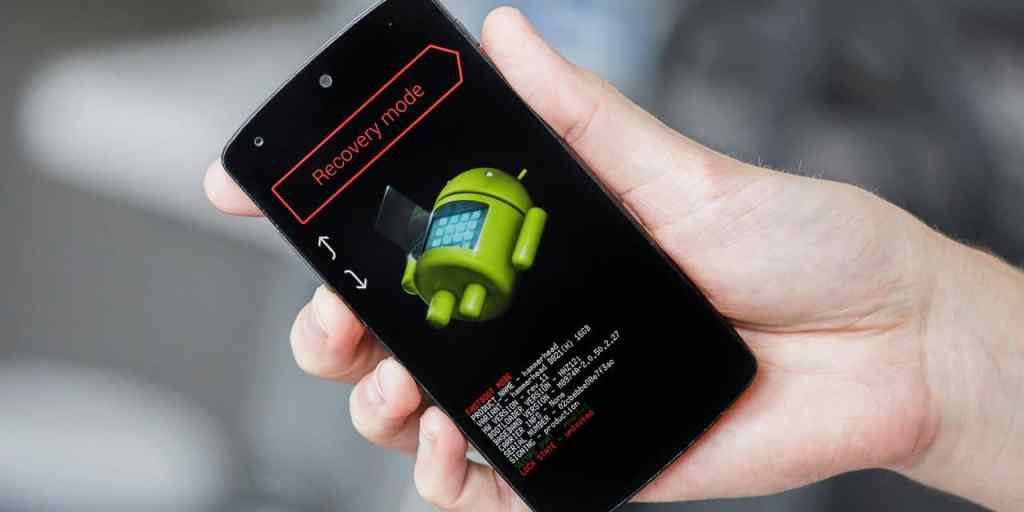
First let’s know more about a bricked device
There are two types of bricked devices
- Soft bricked
- Hard bricked
- Soft Brick: In this condition, nothing serious happens to the phone, you either forgot to wipe the userdata and cache before flashing a ROM, booted to incorrect slot, or you flashed a wrong image or some incompatible Magisk module and ended up in a bootloop. When you reboot your phone, it shows bootlogo and then again reboots, either it keeps showing the logo or it goes back to bootloader or recovery. If this is your case, it’s very easy to save your phone
- Hard Brick: Hard brick has two types, if your phone fell from a high place, drowned in water and got short circuit and doesn’t even power on, it’s gone for good since the hardware is damaged. If it’s a software issue ,it can happen due to multiple reasons. You either flashed an incompatible ROM or stock Firmware, erased some important partition, aborted mission in between the flashing and corrupted the OS, flashed something in wrong partition and just the backlight shows up and nothing else. Your phone is still recoverable
So, how do you save your Phone?
- From a Soft Brick:
- If you can reboot to recovery or bootloader using hardware buttons (search on internet for correct button combination for your phone) try rebooting into fastboot mode
- Connect your phone to PC and open ADB terminal and type: fastboot devices
- If you see your device, download the correct firmware for your device from internet (there are some tools for phones like Xiaomi Flash tool or LMSA for Motorola phones, if there’s one for your device, it’s much easier). Flash the stock firmware perfectly and reboot, it should’ve been fixed till now
- If you’re using the recovery and flashing tools, they might not recognise your device if you had flashed a custom ROM or recovery or rooted the device, just flash everything stock and now connect your device, some have multiple modes of connection, like power off and fastboot mode, try connecting that way. These tools will flash the original firmware and save your device
- If you have Motorola phone, I recommend you to download LMSA software before even unlocking bootloader, setup the software, click on rescue, connect your phone and it will download the latest firmware to your PC which you can flash manually anytime. For easy flashing guide, Click Here
- In most cases, soft brick can be fixed by flashing correct stock firmware and you’re ready to go, but if it won’t flash, go through next part
- From a Hard Brick:
- If your phone can’t boot into recovery, or bootloader or even doesn’t power on at all, first check if it has sufficient charging to boot
- If somehow you can boot into fastboot, you can try flashing stock, or continue to boot the phone in EDL (Emergency Download Mode) but it’s only for Qualcomm devices
- To boot into EDL, some devices (hard bricked) go directly into EDL mode if that’s not the case, download the tool from here , extract it and run fastboot_edl.exe, to check if it’s connected, go to device manager and search for Qualcomm HS-USB QDLoader 9008
- If it’s a Xiaomi device, your device will be directly recognised by the Xiaomi Flash tool and you can flash the firmware easily
- In EDL mode, you just have to flash the stock firmware for your device and boot, your phone is rescued, each phone has different method of flashing in EDL mode, search the internet for your device
- If you don’t see any hope, contact professional technical support
- That’s it for this guide, if you need any help with unbricking.
 Liber Guides