To download this tool, Click here and install it like any other setup
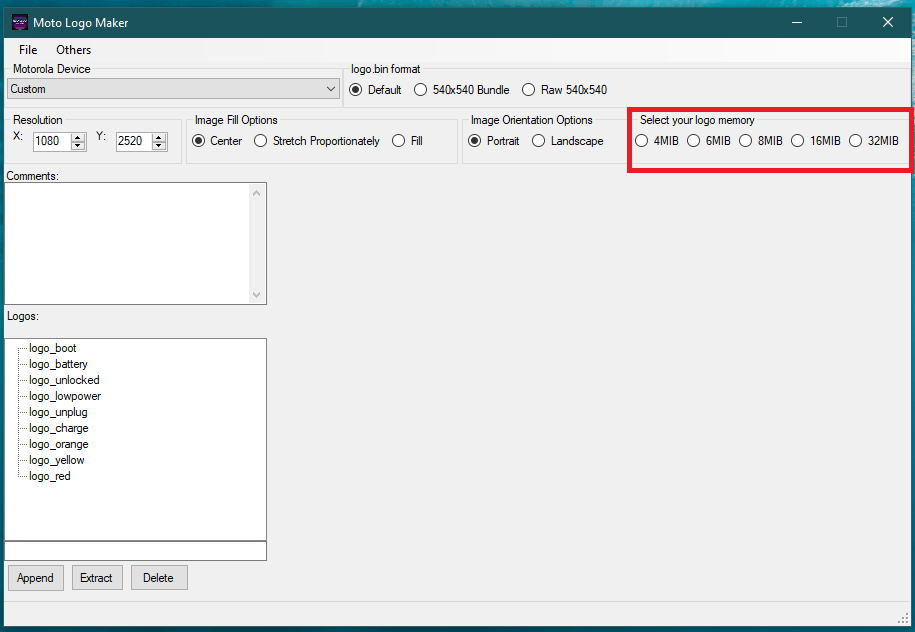
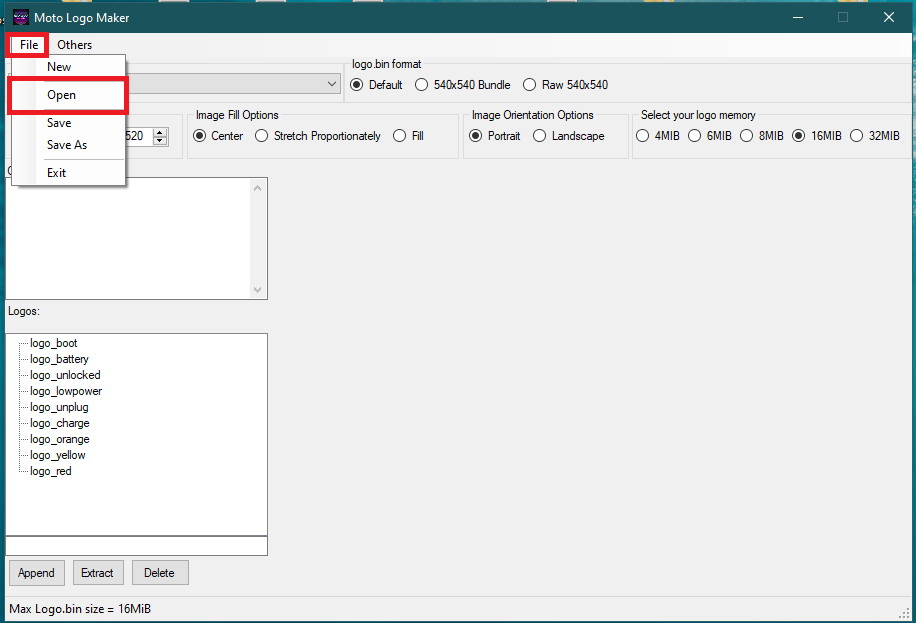
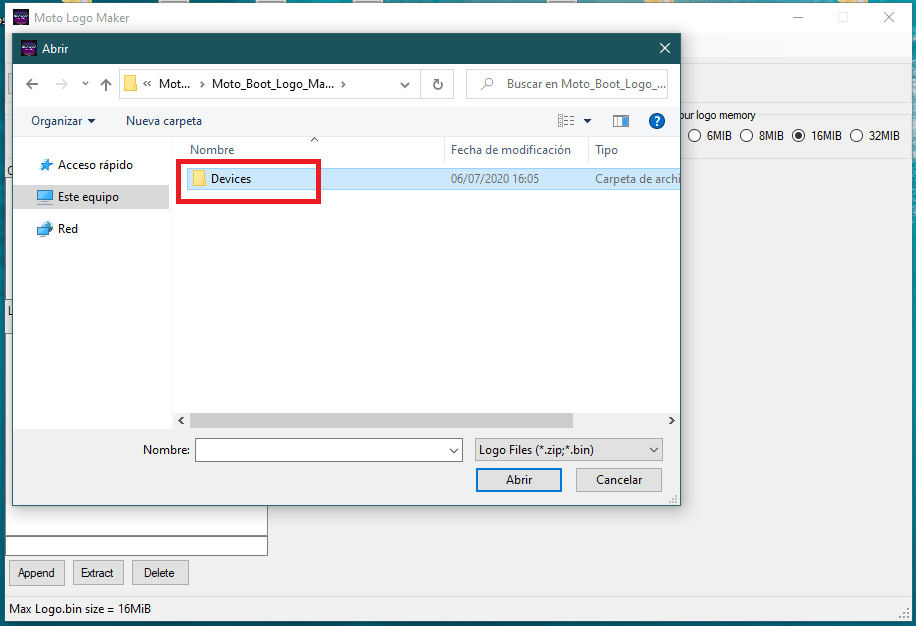
- The Devices folder contains Logo.bin file for all current Motorola phones
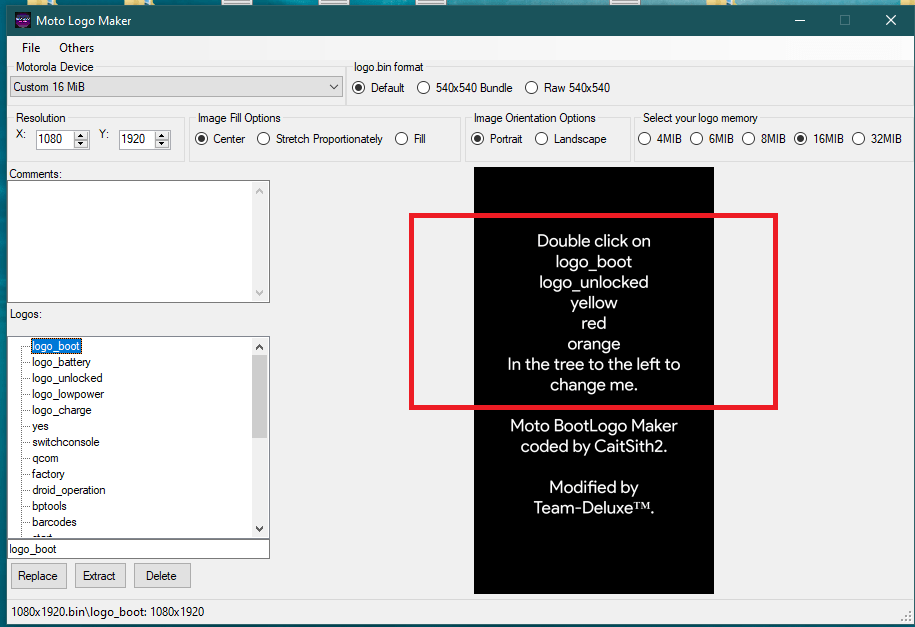
- Go to 32MB devices> Moto One Fusion + > 1080×2340.bin
- Open it and wait until the tool reads it
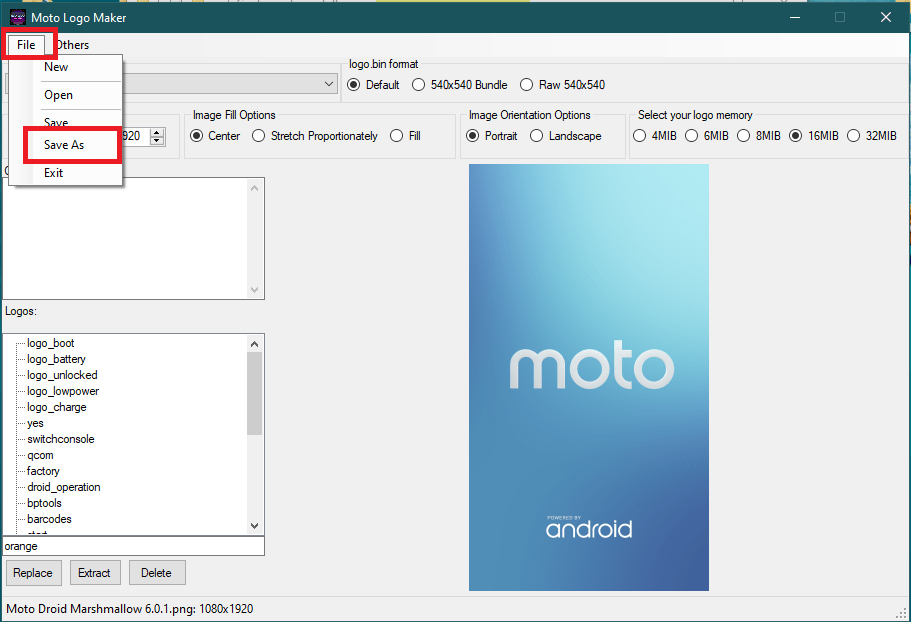
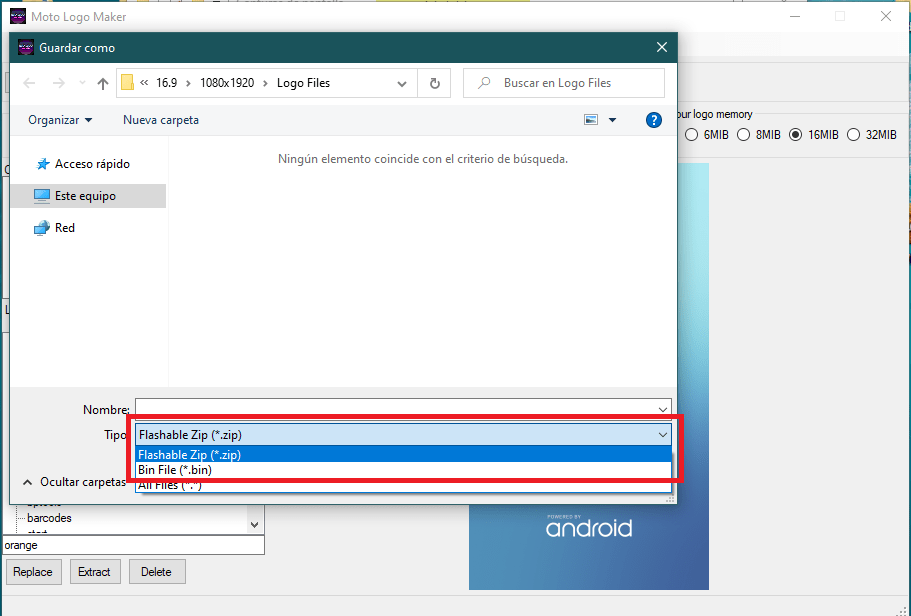
Here you’ll have two options to save the logo:
- Flashable Zip: Create a zip file which you can install via TWRP
- Bin File: Creates a .bin file which you can flash via fastboot using:
- fastboot flash logo_a filename.bin
- fastboot flash logo_b filename.bin
Credits to:
Maintainers: Francom28 and Deivid_21
Designers: Fraaxius & GarfieldArbuckle
• Above all, thanks to CaitSith2, the creator of this tool.
Thanks to LuisFernando, Electimon, Mateo_Ramirez, mrwhiskerscat, ShadowManzo, & Naxo79, Kytøaq for contributing with the project 🙂
_______________________________
Telegram:
Comunity: NemesisTeamCommunity
Join the Official Moto One Fusion + Group:
 Liber Guides